Climate24.6°Set to 23.0°
Home
Everything looks good.Living room selected · local
 Smart home · Automation · LightingPlan your home
 Sense · Mobile App
A room-first companion for the moments when a physical control is not enough—without making the home feel like a dashboard.
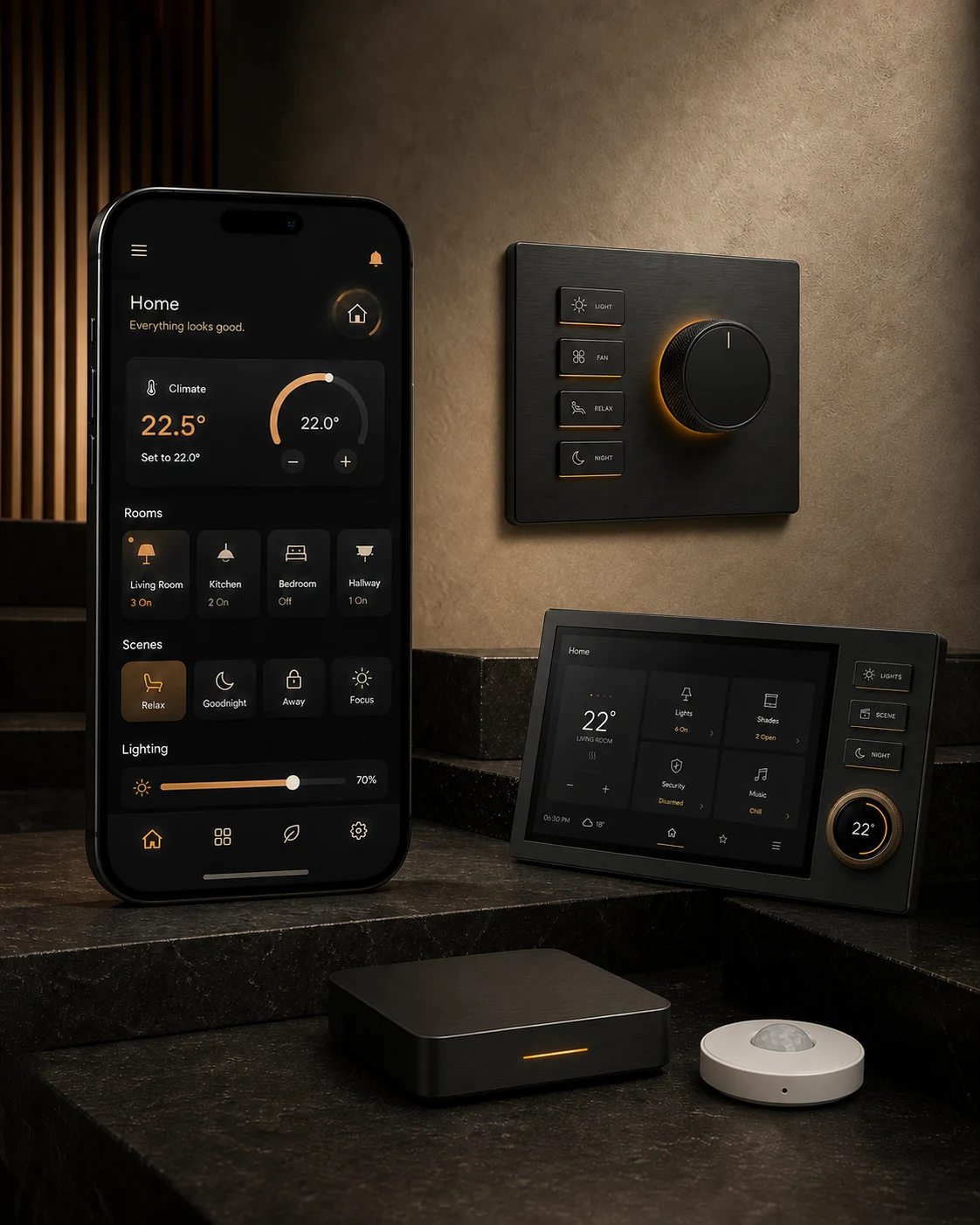
Tap through rooms, scenes and everyday controls to experience Sense for yourself.
The app keeps broad home status easy to scan, then reveals precision controls only when the room or device needs them.
Move from floor to room, then see only the controls that belong there. Lights, climate, shading and devices stay close to their physical context.
Floors · Rooms · Favourite controlsHome, Away, Night, Entertain and Relax coordinate the home without exposing every device involved. Active states and confirmations make the result unambiguous.
Whole-home scenes · Active feedbackCurtains and roller blinds are shown by position. Set the exact opening and see whether each covering is moving, paused or settled.
Curtains · Roller blinds · Motion stateTemperature and indoor conditions sit together in a concise summary. Room controls keep everyday adjustments visible without turning the app into a plant-room interface.
Temperature · Air · HumidityStart from a recommendation, choose the room and continue from a compact player. Full controls are one tap away, and the player leaves when the session ends.
Recommendations · Rooms · VolumeLock status, cameras, sensors, recent activity and household access share one destination, with important states given stronger contrast than routine information.
Locks · Cameras · Sensors · AccessRecommendations give the session a clear beginning. Once something is playing, compact controls remain close to the navigation and the full player opens only when needed.
The connection state is visible, not mysterious. Core room controls and local scenes are designed to remain available when the internet is not.
The room planner turns the way you live into a product and control brief for the home.